
Check guests in — in seconds.
Rumba Scanner is the free check-in app you and your door staff use to scan tickets and welcome guests at the door — fast, secure, and built for live events.
How to use the scanner
Download the app
Get Rumba Scanner on your phone (coming soon to the App Store and Google Play).
Sign in
Use your existing Rumba account — the same email and password. Your published events are ready to scan.
Pick your event
Open the event you’re working tonight. Live check-in counts update as you go.
Scan & check in
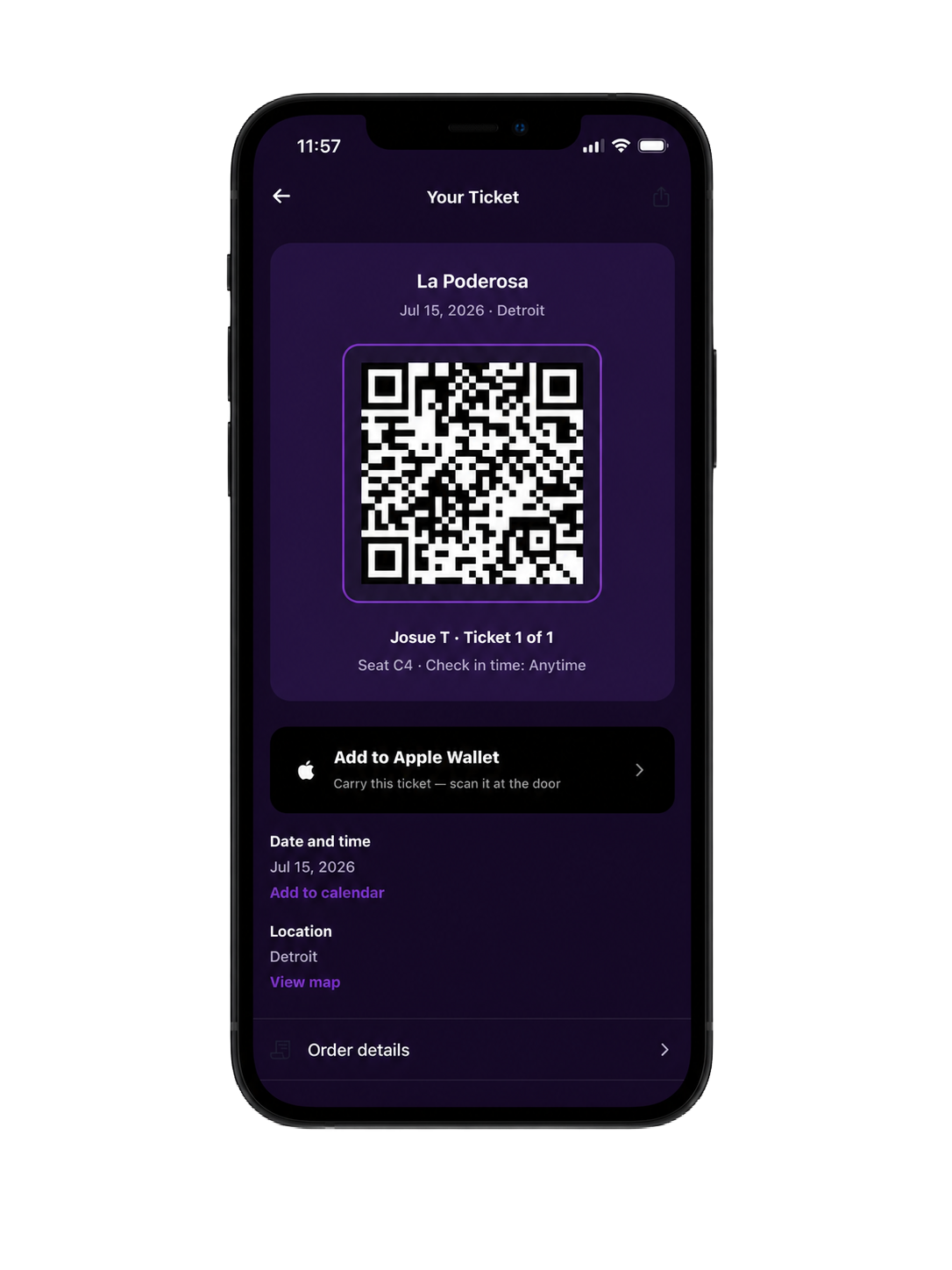
Point the camera at each ticket’s QR code. Green means valid and checked in; red flags an already-used, cancelled, or wrong-event ticket.
Everything you need at the door
Guest list
Track attendance live
Watch check-in counts climb in real time and see your full guest list — who’s in, who’s not, by section.
Already used
Scanned 8:42 PM
Diego Herrera
Order RMB-260620-9C21
Catch fakes instantly
The scanner flags already-used, cancelled, refunded and wrong-event tickets on the spot — no fakes get past the door.
Door staff
Add your door staff
Give your team scan-only access, per event. Every scan is logged with the time, staff and device.
Added as door staff?
- 1Download the Rumba Scanner app (coming soon).
- 2Sign in with the same email and password your organizer added you under.
- 3The event you were added to is ready to scan — that’s it.
Don't have a Rumba account yet? Create a free one with the email your organizer used, then open the Scanner.
Take payments at the door
Sold out online? Take contactless card payments right at the door with Tap to Pay — no extra hardware needed.
Payments are securely processed by our partner Stripe. The scanner uses wireless Tap to Pay (Apple Pay and Google Pay); optional card-reader hardware is available through Stripe.
Ready to sell out your next event?
List your event on Rumba, sell tickets, and check guests in with the scanner — all in one place.
Apply to sell on Rumba